Getting Started
Download UE Binaries
Download Examplar Binary
📌 We offer a lightweight binary for users to download and experience.
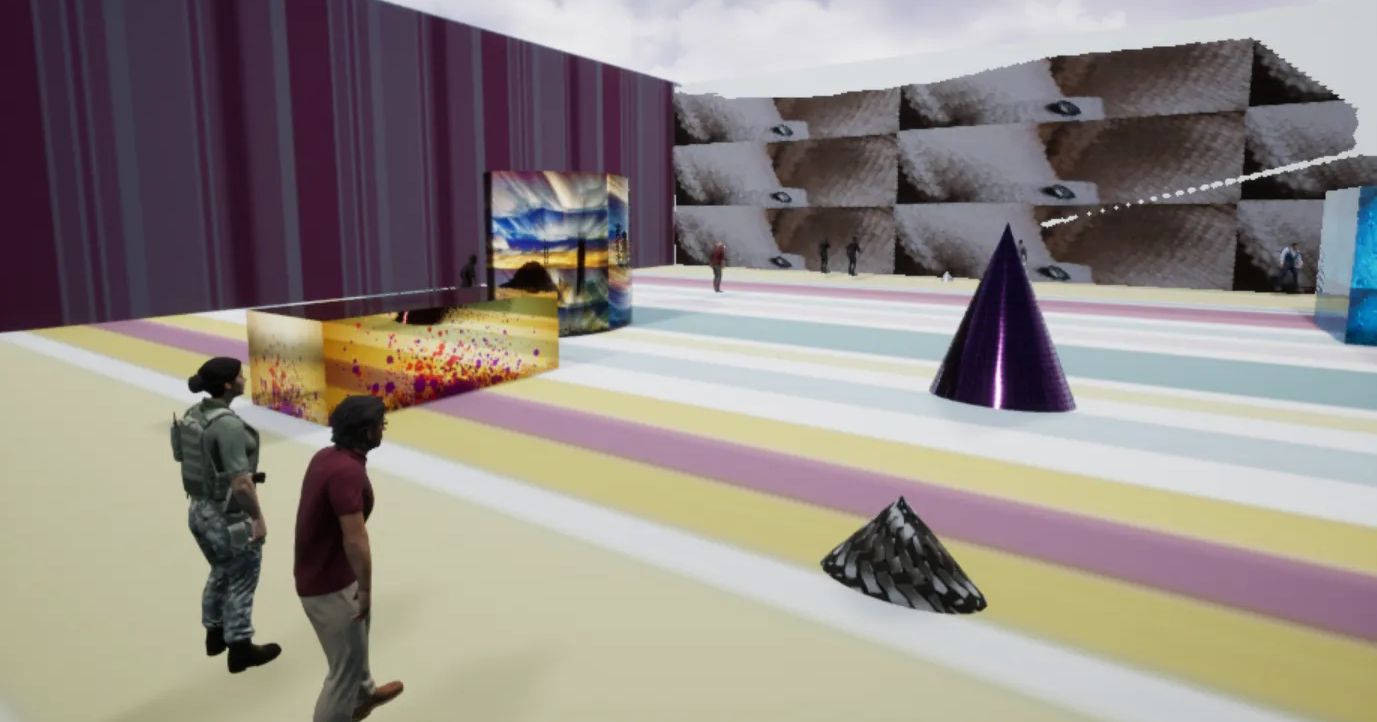
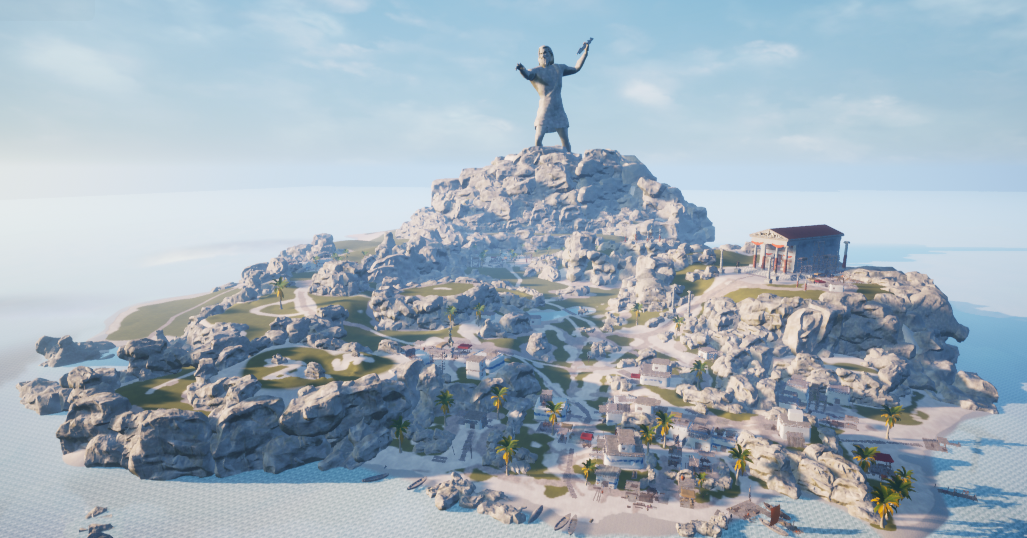
The UE4 example contains 6 maps (<3GB):
:linux:[Linux] :win:[Windows] :mac:[macOS]


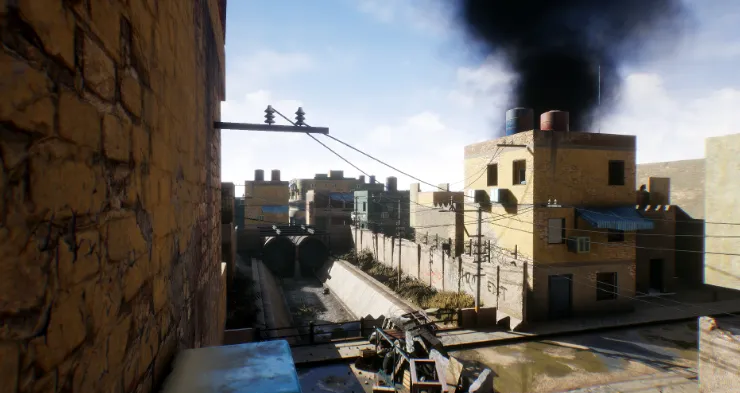
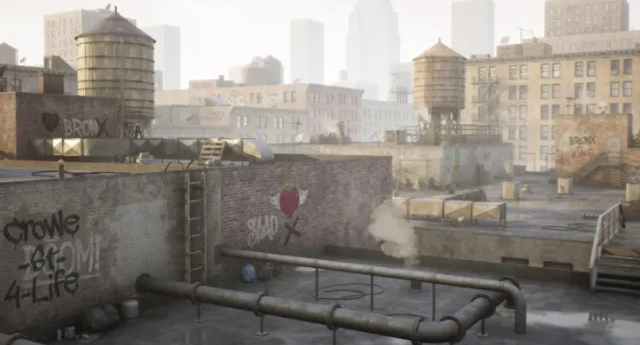
The UE5 example contains 4 maps (~10GB):
:linux:[Linux] :win:[Windows] :mac:[macOS]
📌 The global illumination and ray tracing are turned on by default.


Full Version Binary Download (requires over 60GB of storage space)
:linux:[Linux] :win:[Windows] :mac:[macOS]
Install UnrealCV+ Client
pip install unrealcv
Install UnrealZoo-Gym
Download the unrealzoo-gym reprository from:
https://github.com/UnrealZoo/unrealzoo-gym
git clone https://github.com/UnrealZoo/unrealzoo-gym.git
cd unrealzoo-gym
pip install -e
Move the downloaded binary to the UnrealEnv folder, which is our default location for binaries, the folder structures are as follows:
gym-unrealcv/
├── docs/
├── example/
├── gym_unrealcv/
│   ├── envs/
│   |   |——agent/
|   |   |——UnrealEnv/                    # Binary default location
|   |   |  |——Collection_WinNoEditor/    # Binary folder
|   |   |——setting/
|   |   |  |——env_config/                # environment config json file location
...
generate_env_config.py                   # generate environment config json file
...
Run Example Codes
📌 Available Env_Namein Examplar Binary:
| UE4 | UE5 |
|---|---|
| track_train | Map_ChemicalPlant_1 |
| Greek_Island | Old_Town |
| ContainerYard_Day | MiddleEast |
| ContainerYard_Night | Demo_Roof |
| SuburbNeighborhood_Day | |
| SuburbNeighborhood_Night |
1. Run random agents
python ./example/random_agent_multi.py -e UnrealTrack-track_train-ContinuousColor-v0
📌 If your mouse cursor disappears after the game launches, press ` (the key above Tab) to release the mouse cursor from the game.
2. Run a rule-based tracking agent
python ./example/tracking_demo.py -e UnrealTrack-Greek_Island-ContinuousColor-v0
3. Run a keyboard agent
- Control a tracking agent:
python ./example/keyboard_agent.py -e UnrealTrack-Old_Town-MixedColor-v0
📌 Use the "I", "J", "K", and "L" keys to control the human tracker and follow the target person closely, step by step.
b. Control a navigation agent:
python ./example/keyboard_agent.py -e UnrealNavigation-Demo_Roof-MixedColor-v0
📌 Use the "I", "J", "K", and "L" keys to control the agent's movement.
Space( ␣ ): Jump.
Up Arrow(⬆️): Look up.
Down Arrow(⬇️): Look down.
(Double "Jump" will trigger the agent to climb)
📌 Explore All Scenes
Want to see all available environments? Visit our Scene Gallery to browse 100+ photo-realistic scenes, filter by category, and find the perfect environment for your research.
💡 Tip: You can find the complete list of environment names and their supported tasks in the Scene Gallery. Each environment has a unique ID following our naming convention (see Environment Naming Convention for details).